Training & Webinar Resources
Helping you make the most out of your experience with the tools
Training & Webinar Resources
Helping you make the most out of your experience with the tools
Register For Training
Book your spot in one of our upcoming training webinars
Book a One-on-One Session
Book in a one-on-one session to discuss specific goals and objectives
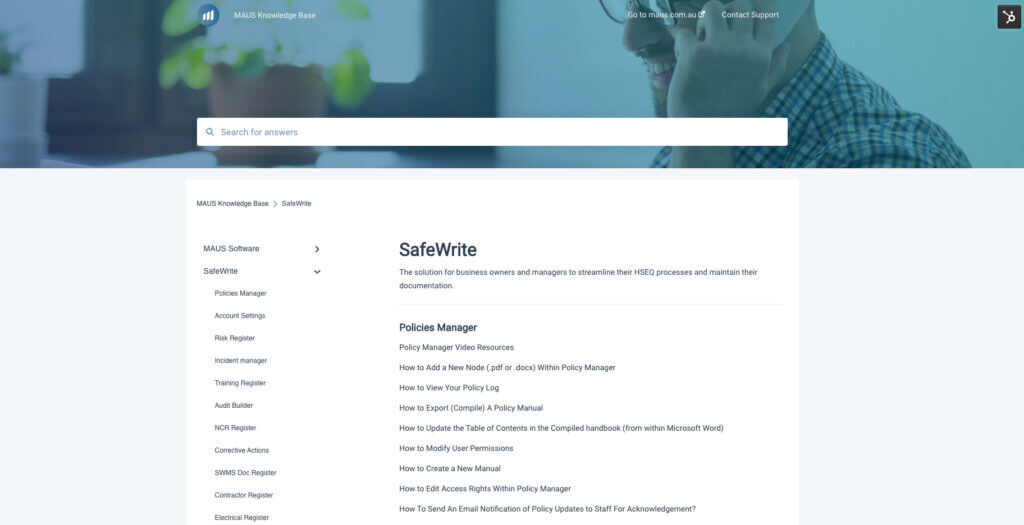
Explore Our Knowledge Base
Instantly find the answers to the most common FAQs
Now it’s even easier for you and your team members get trained up on the tools! Simply register for our next webinar session!
These sessions run every week, meaning you can attend as many as you like – just fill in the form to receive the calendar invite.
Session Agenda:
- Policies Manager (QA, H&S, HR, Enviro & Info Security)
- Creating a manual
- Creating/editing policies
- Version control
- Compiling a document
- Employee compliance
- HSEQ Management Dashboard
- Risk register & generating SWMS
- Incident register
- Training register
- Audit builder
- Other registers
- FAQs & Any Other Questions
Next Session: Thursday at 12:00pm (NSW Time):
Something Powerful
Tell The Reader More
The headline and subheader tells us what you're offering, and the form header closes the deal. Over here you can explain why your offer is so great it's worth filling out a form for.
Remember:
- Bullets are great
- For spelling out benefits and
- Turning visitors into leads.
Or Looking For Some Additional Assistance?
Feel free to book a time in our Customer Success team’s calendar.
Our talented Customer Success team are ready to help, whenever you need it. Simply book your one-on-one session with the team at a time that suits you! Get personalised assistance for:
- User configuration & setup
- Company branding/customisation
- Notification/automation configuration
- Any other questions you may have!
Alternatively, you can email support@safewrite.com with any questions you may have.
SafeWrite Knowledge Base
Over 60+ how to’s, tutorials and walkthroughs available
Learn at your own pace! The SafeWrite Knowledge Base has everything you need to know about setting up a new account. It includes articles covering all aspects of the system; from simple steps on how to add a user, to more complex areas such as reporting and document customisation.
To go to the Knowledge Base, simply click the button below